Buzzy : Direct with a storyboard
that stays consistent
Buzzy is the simplest ComfyUI-style canvas for directors: drop an image, generate a multi-cam storyboard, and render consistent clips where characters, objects, and locations stay locked across every shot.
One storyboard, consistent scenes
A detailed storyboard is generated from your image or prompt. It locks characters, objects, locations, and other components so every generated clip keeps the same visual identity—just like a simplified ComfyUI node flow, built for directors.
- ✓Drop an image or prompt to generate a multi-cam shot grid
- ✓Track characters, props, and locations across scenes
- ✓Edit any shot and let the whole board update automatically
- ✓Render with 11+ models while keeping the same visual DNA
Create with the latest models, one studio for all
No more jumping between apps. The leading video and image models live in one place so you can pick the perfect engine for every shot.
2.5 Model
4K · 30s clips · 50 assets
Seedance 2.5
Motion-driven video creation
Google Omni
Cinematic video generation
Kling
High-fidelity physics simulation
Runway
Next-gen creative video tools
Nano Banana 2
Lightweight video synthesis
Veo 3.1
Google's advanced video generation
GPT Image 2
Photorealistic image generation
Hailuo
Fast & expressive drafting
Wan
Open-source SOTA video model
Pixverse
Stylized & dynamic video
From storyboard to motion
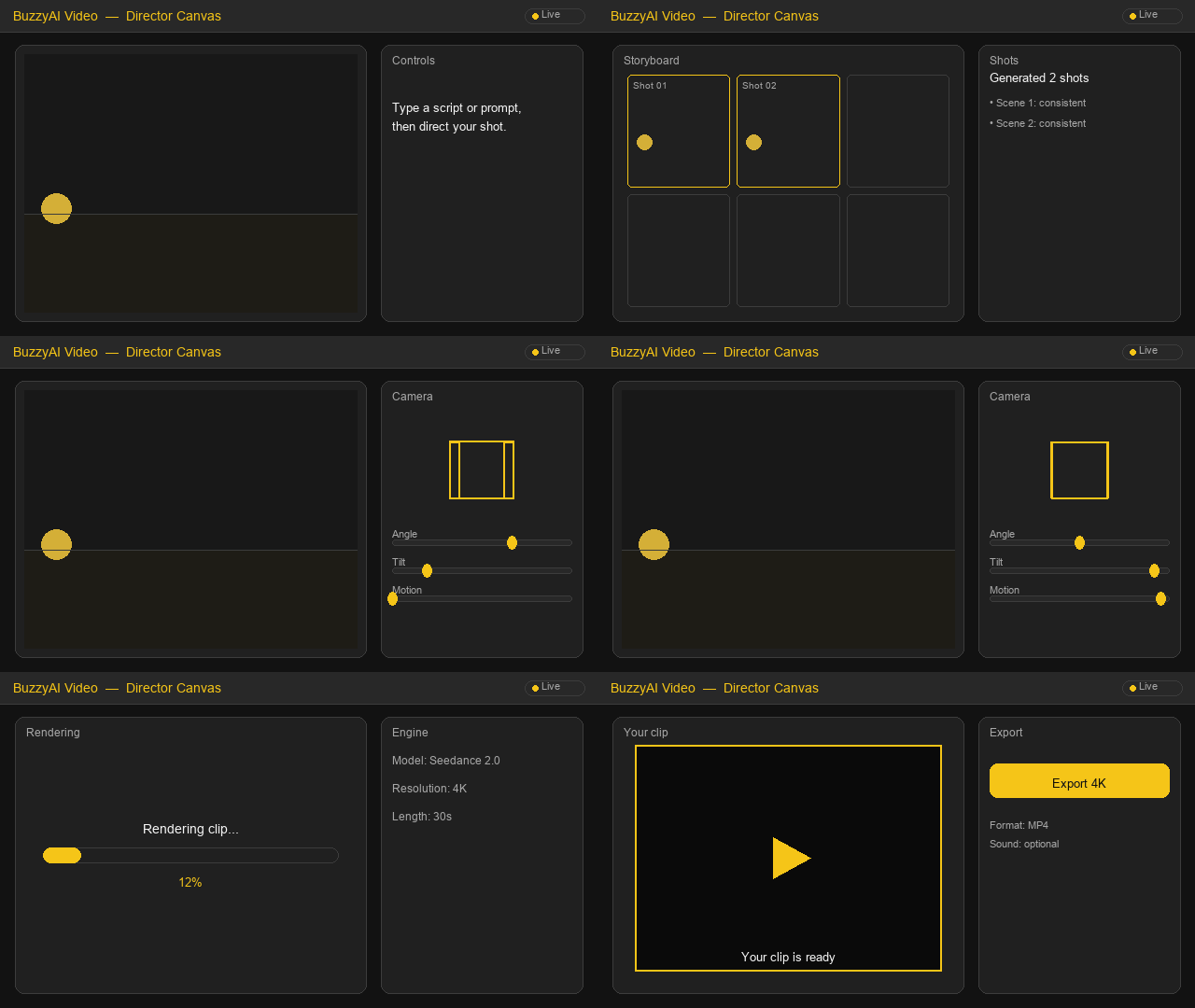
The Director Canvas turns your locked storyboard into animated shots. Open a panel, move the camera, adjust light, and generate — all while the characters and locations stay consistent.
- ✓Open any shot from the storyboard on the canvas
- ✓Drag the camera cube to set angle, tilt and motion
- ✓Tune key light, temperature and rim light in real time
- ✓Render with any of 11+ models and export 4K clips
From idea to screen, see what you can make
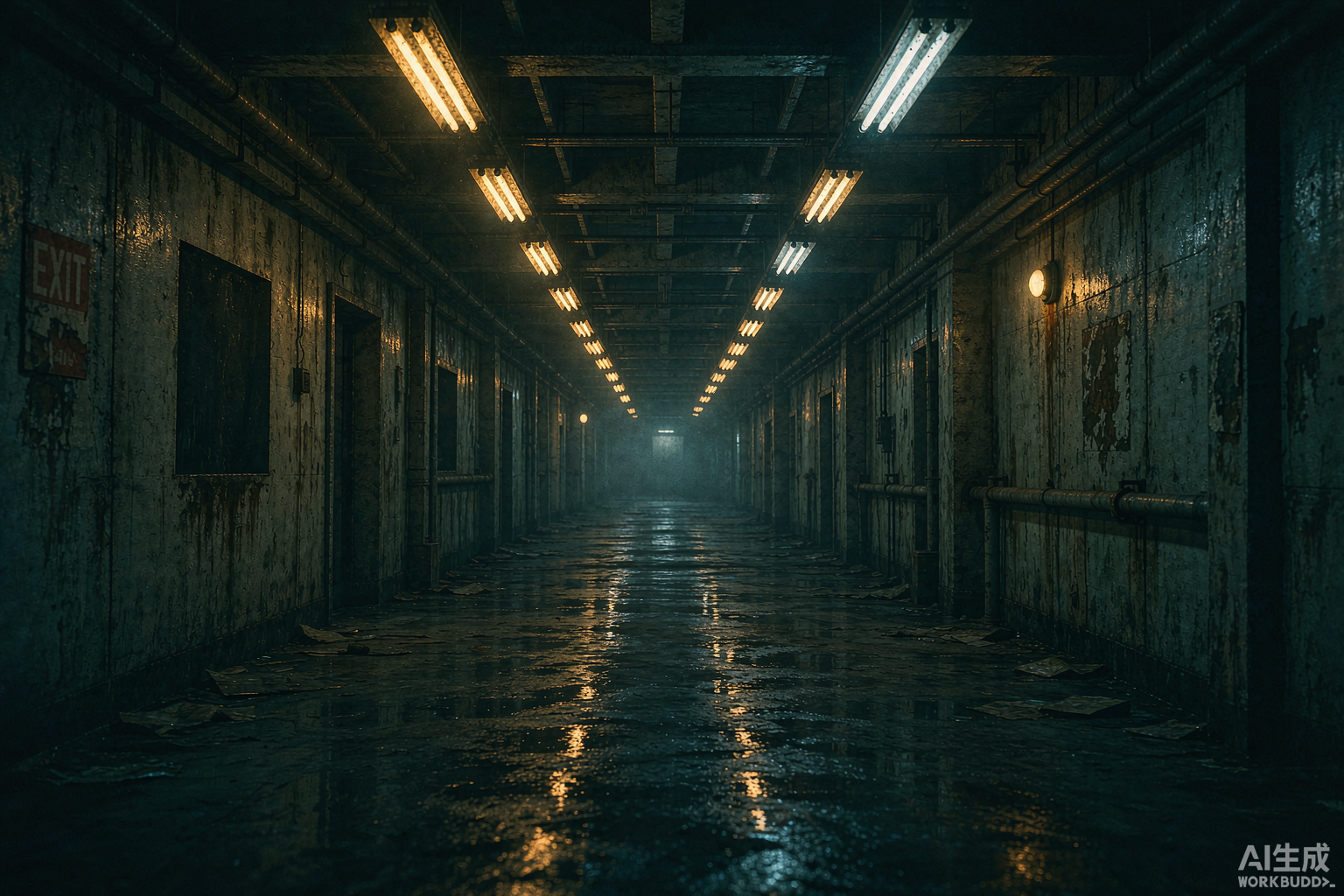
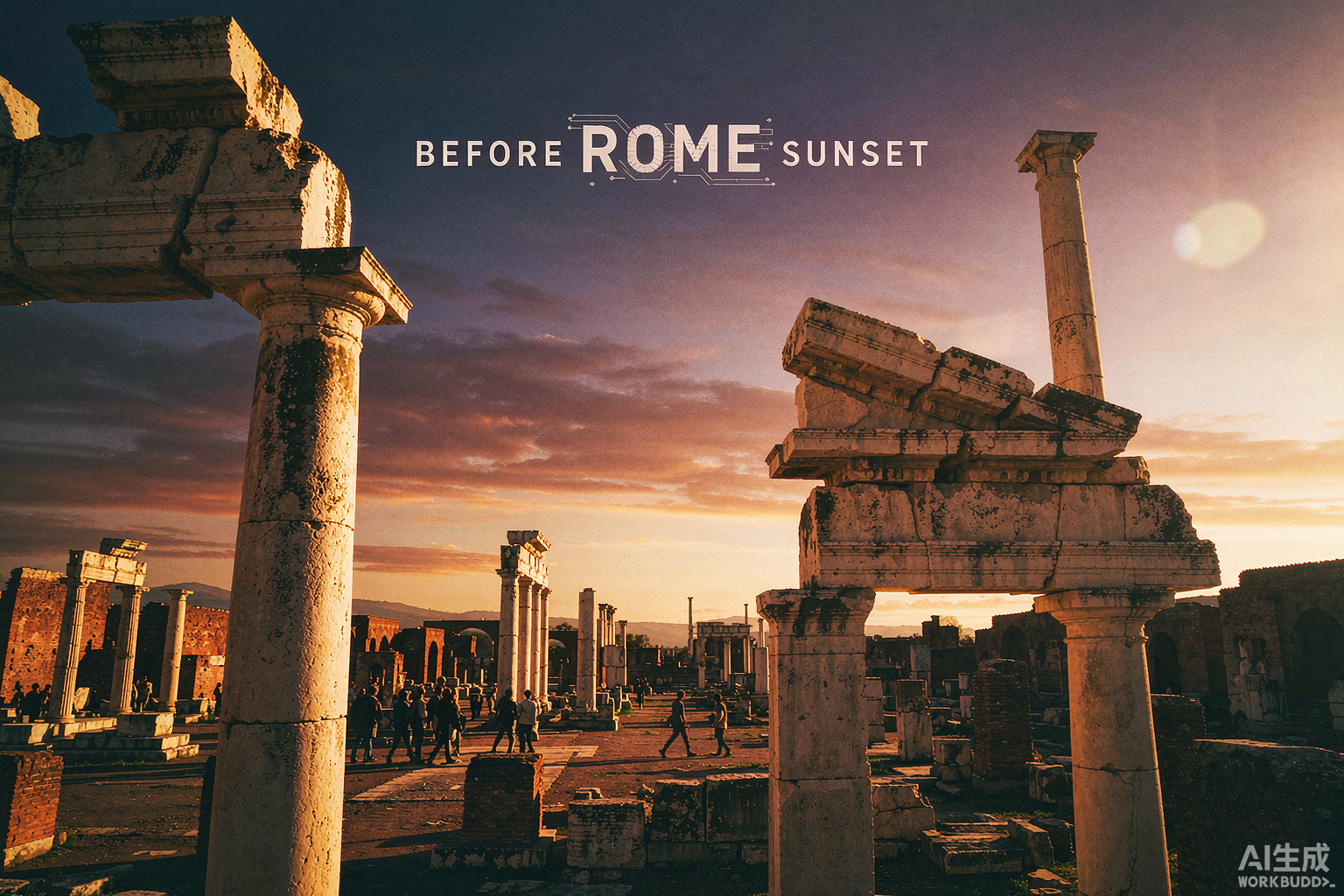

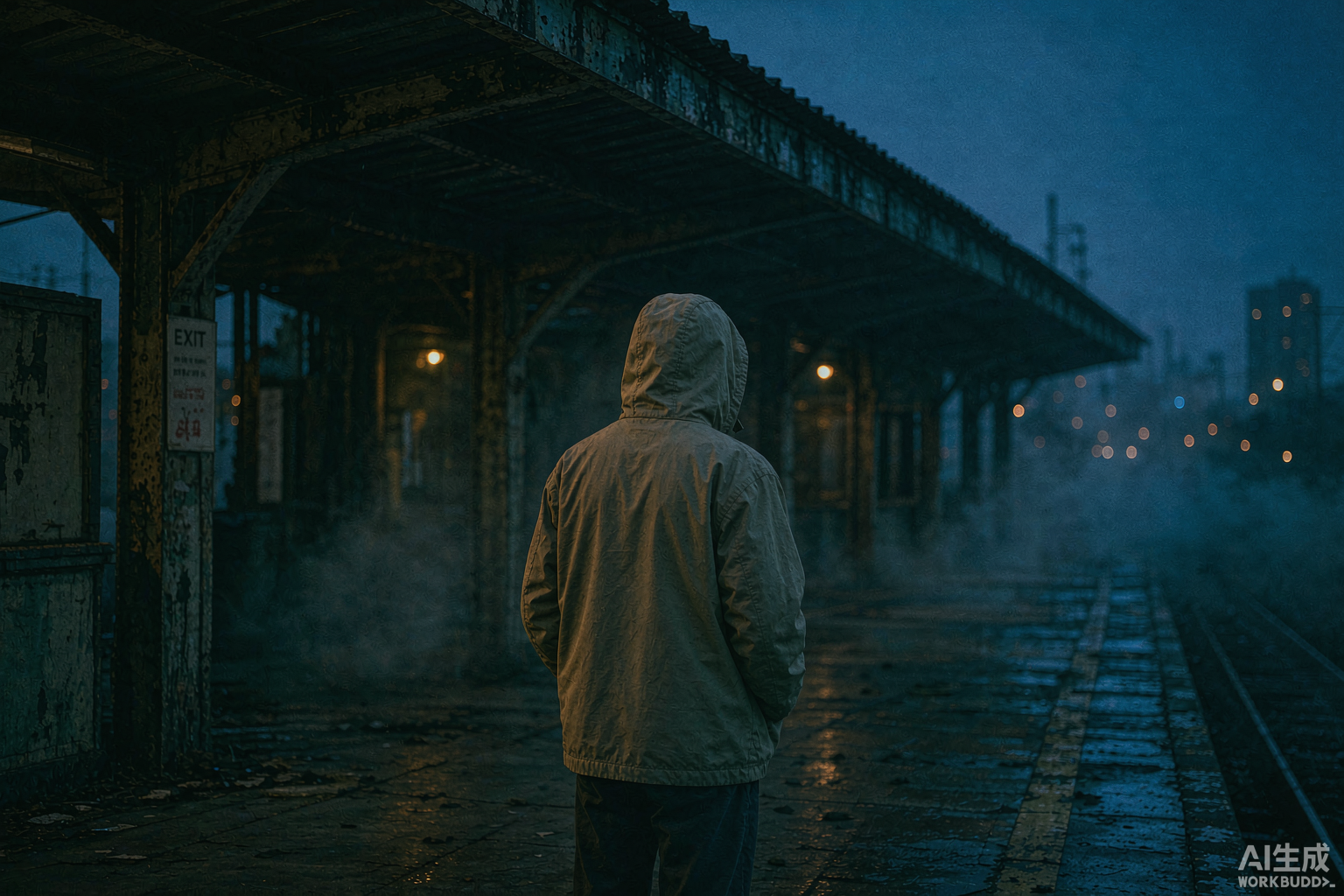
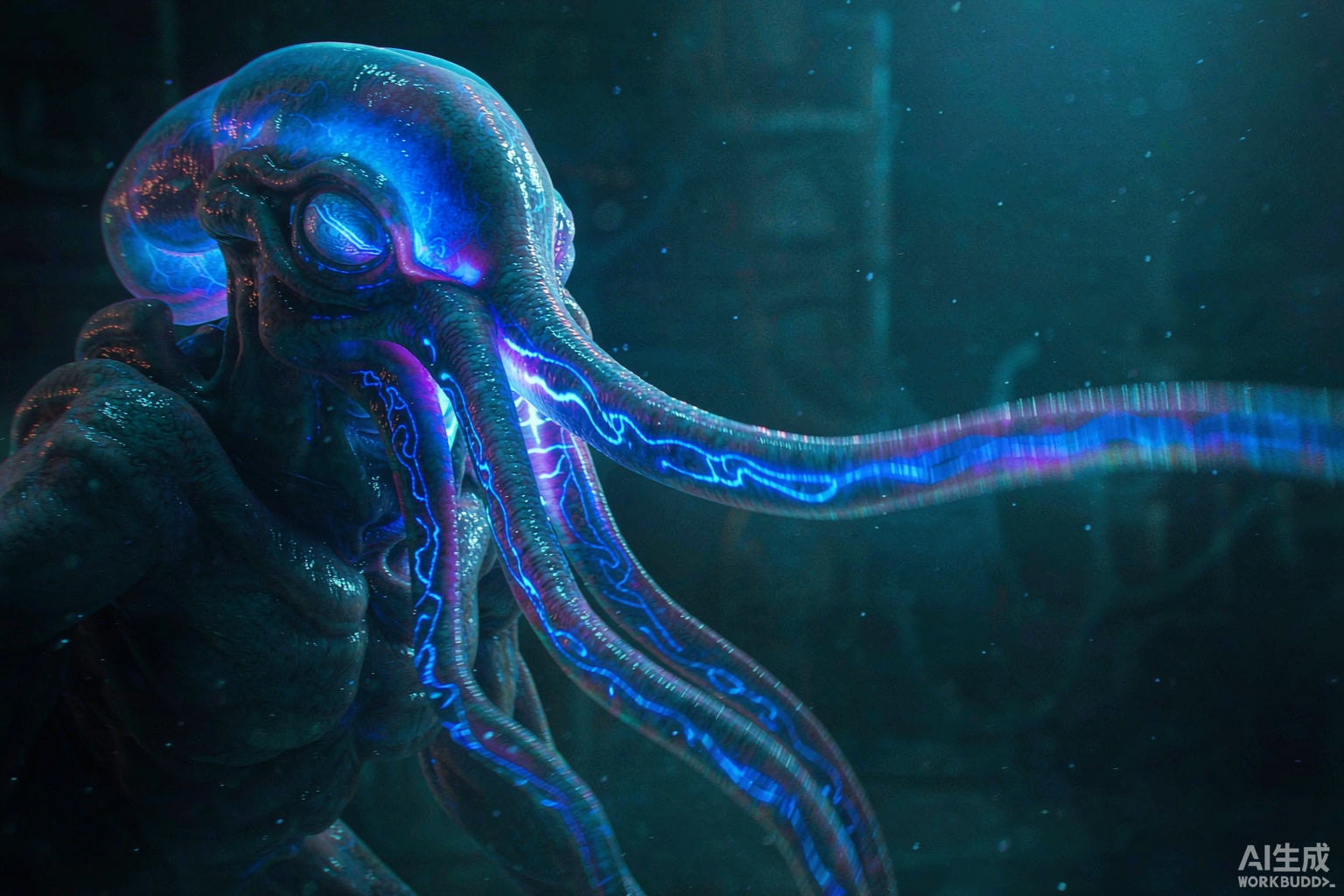
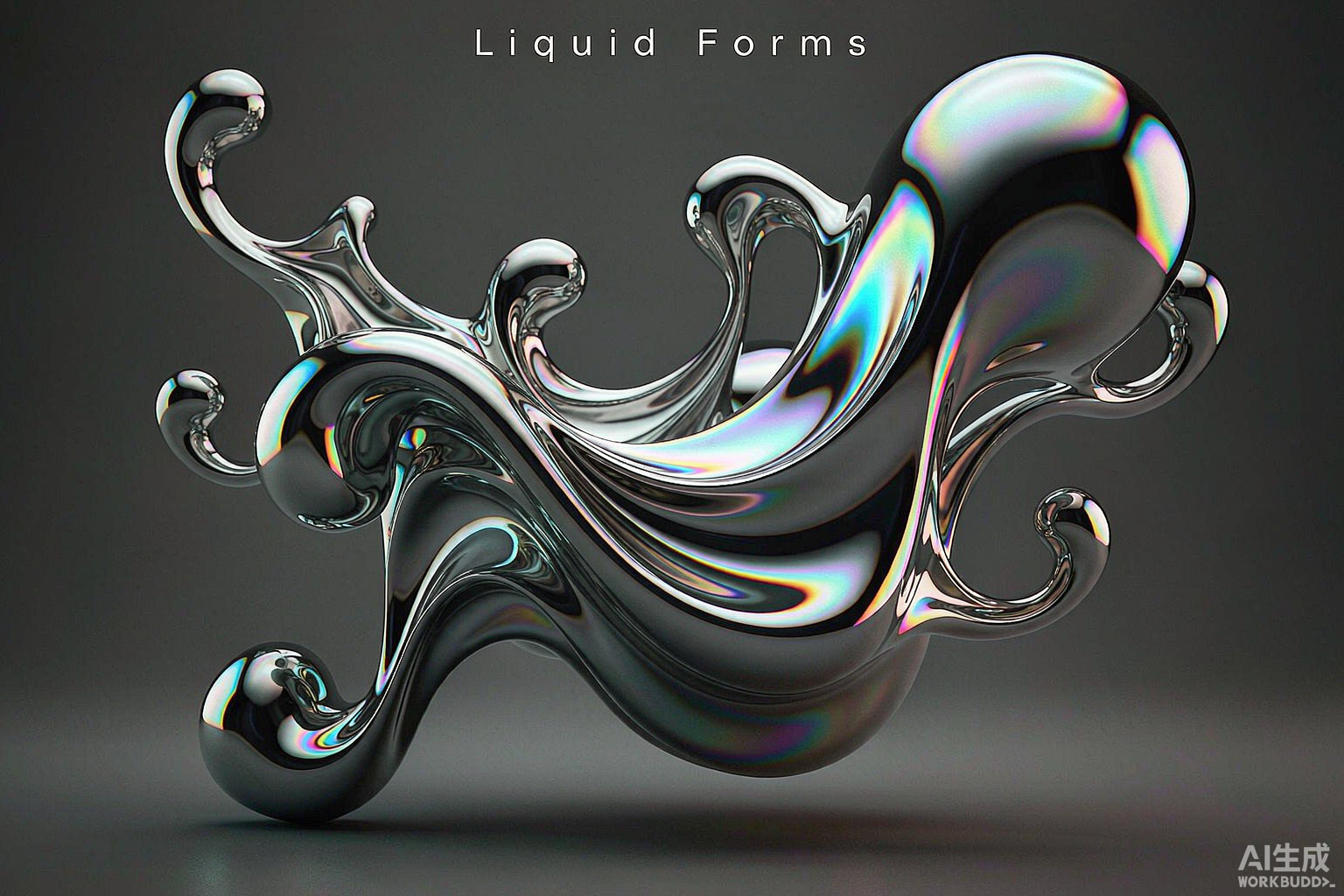
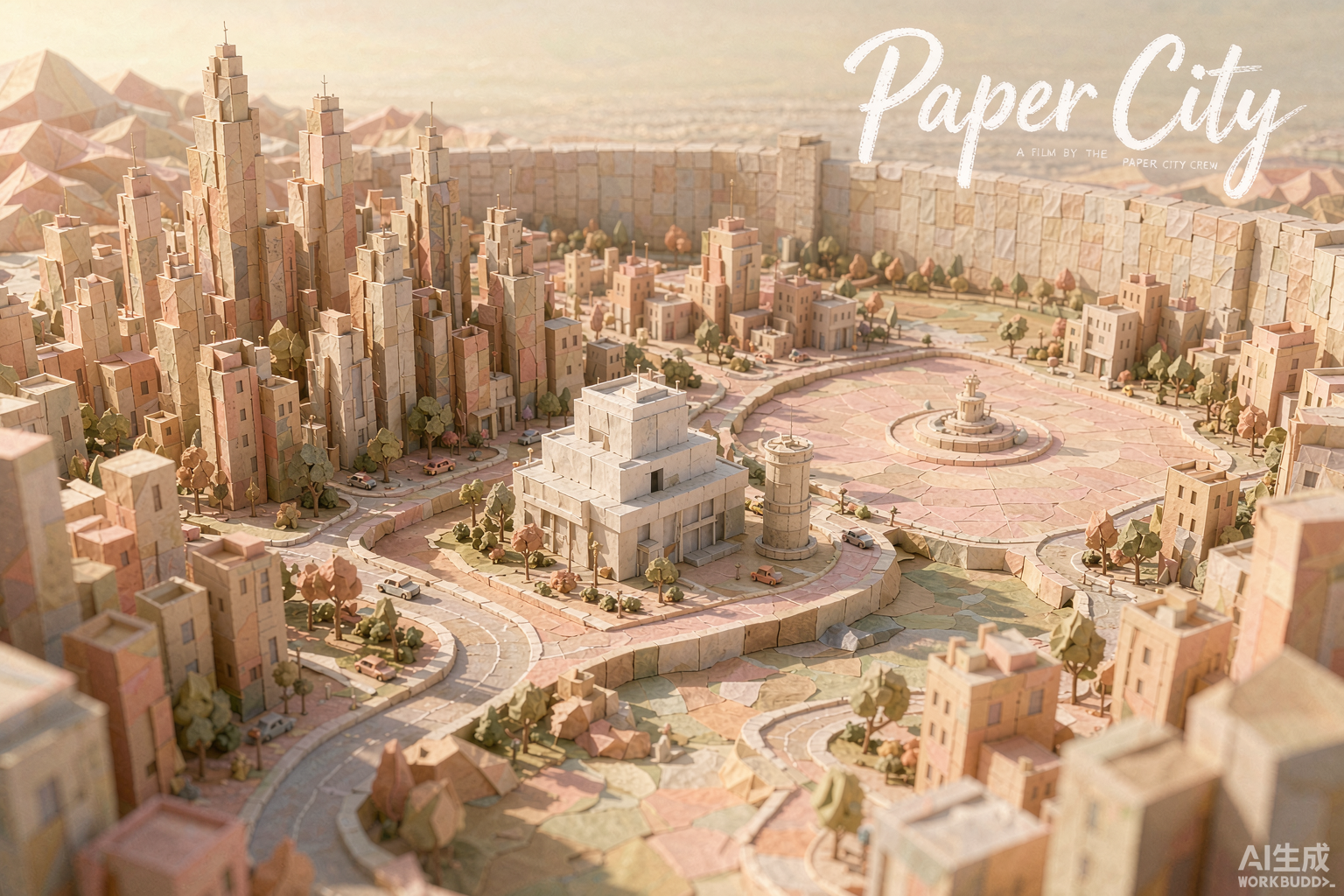
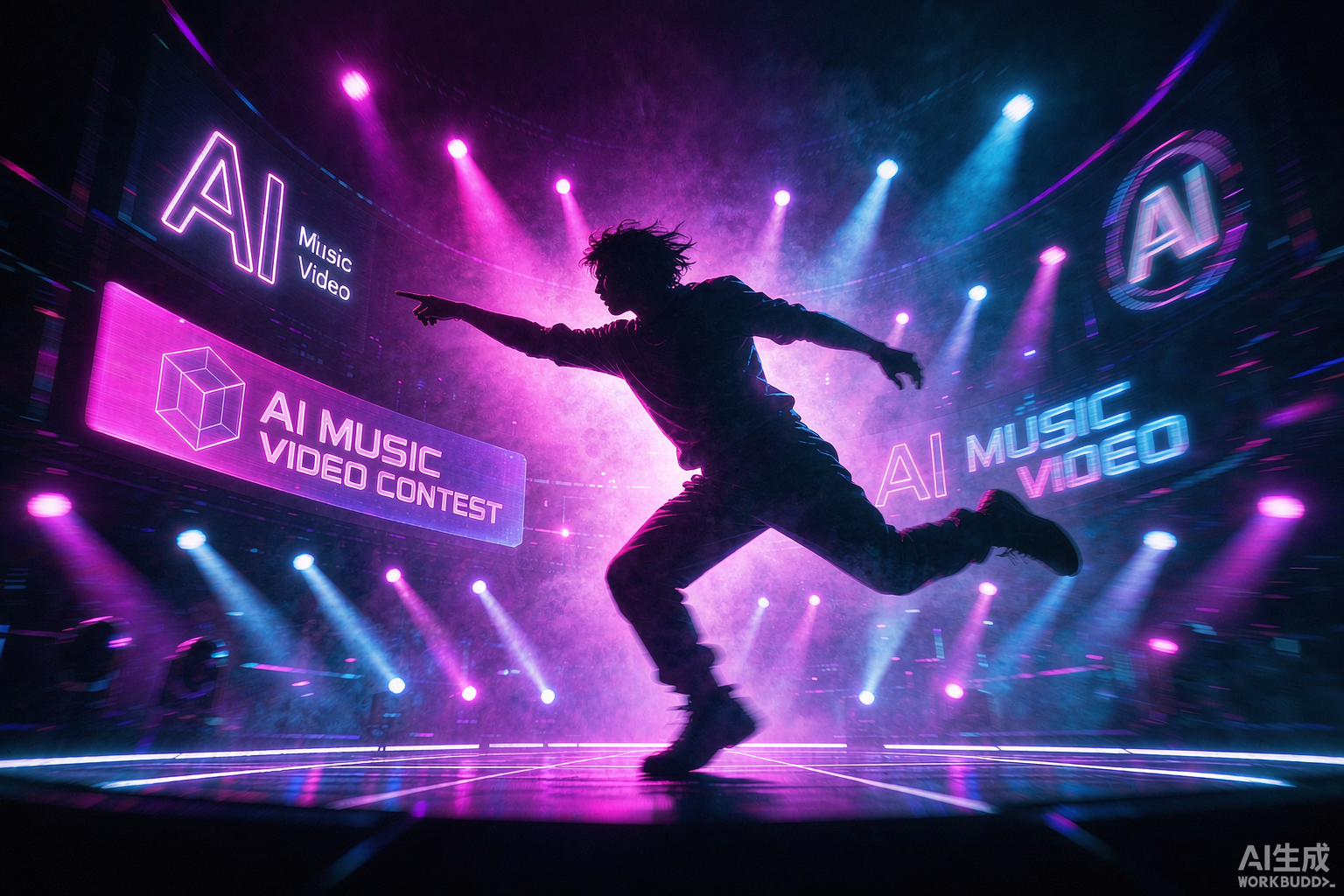
Animations

A ComfyUI-simple canvas, for directors
Three connected tools that mirror a real director's workflow: plan the storyboard, move the camera, then light the scene. Each step feeds the next like a node graph, without the complexity.
Storyboard Creator
Drop an image or prompt and get a multi-cam storyboard. Every character, object, and location is locked so your shots stay consistent.
Try itMulti-angle Camera Control
Precisely control camera movement with a draggable cube for custom lens texture and motion across each storyboard panel.
Try itRelighting in Real Time
Reposition the key light, tune brightness and color temperature, and add a rim light to keep every shot mood-matched.
Try itWhat will you direct first?
From festival shorts to social spots, the same canvas powers every kind of moving image.
Short Films
Direct character-driven narratives with consistent looks from opening to end card.
Animation
Bring stylized worlds and creatures to life without a render farm.
Music Videos
Sync visuals to beats and build expressive performance clips in minutes.
Explainers
Turn complex ideas into clear, branded educational videos.
Ads & Social
Produce scroll-stopping spots for campaigns and social feeds.
Concept Art in Motion
Pitch scenes and moods as moving references for bigger productions.
Storyboard first, then shoot
Drop a prompt or image
Start with a single idea. The AI turns it into a detailed multi-cam storyboard, like a simplified ComfyUI node flow.
Lock consistency
Characters, objects, locations, and props are tagged and locked across every shot so nothing drifts between scenes.
Direct camera & light
Open any shot in the Director Canvas, drag the camera cube, and tune key light to match the mood.
Render with any model
Pick the best engine from 11+ models and export consistent 4K clips, all from the same storyboard.
Pick the plan that fits your craft
From free trials to studio collaboration, scale up as you create more.
Starter
For first-time AI video creators.
Start free- ✓20 generations / month
- ✓720p export
- ✓Core model access
- ✓Community support
Creator
For serious everyday creators.
Upgrade- ✓500 generations / month
- ✓4K export · 30s clips
- ✓Full model matrix
- ✓Storyboard / Camera / Light
- ✓Priority render queue
Studio
For studios & brand teams.
Contact us- ✓Unlimited generations
- ✓4K export · team space
- ✓API access
- ✓Dedicated manager
- ✓Commercial license
Directors are shipping faster
“Buzzy AI Video replaced three tools in my pipeline. The storyboard + camera control finally let me direct instead of just prompting.
“We shipped a 40-second brand film over a weekend. The real-time relighting alone saved us a day in post.
“As a musician I had zero video skills. The Director Canvas walked me through shots and the MV looked pro.
Frequently asked questions
Which AI video models are supported?+
We aggregate 11+ leading video and image models including Seedance, Kling, Runway, Veo, Google Omni, Hailuo, Wan, and Pixverse. Switch between them freely from one interface.
Can I use it without any filmmaking background?+
Yes. Buzzy AI Video acts as your AI director. With storyboard generation, visual camera control, and real-time lighting, anyone can produce cinematic shorts.
Do you support text-to-video and image-to-video?+
Both. Type a prompt to generate video, or upload a reference image for image-to-video creation.
What is the maximum output quality and length?+
Flagship models support up to 4K quality, 30-second clips per generation, and project management for up to 50 assets.
How do you keep characters consistent across shots?+
The Storyboard Creator records characters, objects, and locations, and automatically maintains consistency when generating across scenes.
Become a director today
No download, no filmmaking degree. Open your browser and roll camera on your first AI short.